


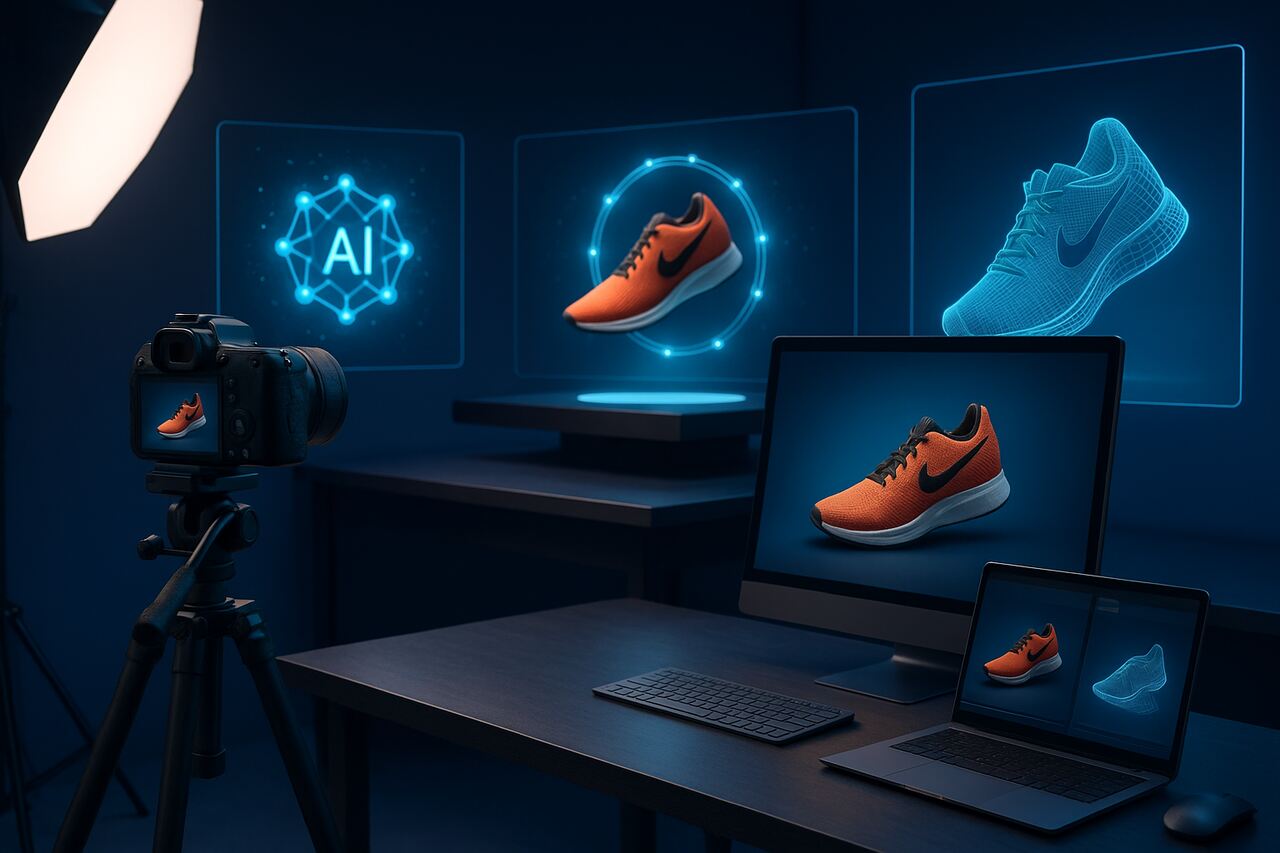


The rise of AI product photo shoots has completely redefined how brands create, manage, and distribute visual content. In the past, producing high-quality product photography required expensive equipment, studio rentals, lighting setups, and professional photographers. Today, AI-powered tools enable businesses to generate stunning, realistic product images at scale without physical cameras or locations. This article explores how to plan, execute, and optimize an AI-driven product photo shoot, covering everything from data preparation to lighting simulation and post-processing.
Prepare Your Product Assets for AI Rendering
The foundation of a successful AI product photo shoot lies in how well you prepare your product data and assets. Unlike traditional photography, AI systems rely on structured inputs such as 3D models, reference images, and texture maps to accurately replicate your products.
Start by gathering high-resolution product images from multiple angles. These serve as input data for AI models that generate photorealistic renders. You can also use CAD files or 3D models if your brand already has them from design or manufacturing processes. Ensure consistency in dimensions, aspect ratios, and resolution, as these attributes directly influence the accuracy of the generated photos.
Once your assets are ready, categorize them by product type, color, or collection. This organization helps AI systems apply appropriate lighting and context. For example, a luxury watch brand may need reflective lighting and metallic texture simulation, while a skincare company benefits from soft tones and minimalistic backgrounds. The clearer your data structure, the more consistent your results.
Finally, compress and label your files in a structured format (e.g., “brand_model_view_lighting.jpg”) to maintain metadata integrity. This ensures your AI photo shoot pipeline can easily process, tag, and render images without human errors.
Choose the Right AI Photography Platform
Selecting the right AI photography platform determines both the quality and efficiency of your photo shoot. There are several categories of AI photo generation tools, ranging from prompt-based image generators like Midjourney, Stable Diffusion, and DALL·E, to specialized e-commerce platforms such as Kaedim, Vue.ai, Booth.ai, or Pebblely.
Evaluate platforms based on the following attributes:
| Platform | Best For | Strengths | Output Control | Cost |
|---|---|---|---|---|
| Midjourney | Creative Concept Shoots | High aesthetic fidelity | Prompt-based | $$ |
| Booth.ai | E-commerce Product Photos | Template-driven workflows | Strong brand control | $$$ |
| Pebblely | Shopify & Amazon sellers | AI background replacement | Simple interface | $ |
| Vue.ai | Retail automation | Integration with DAM systems | Scalable production | $$$$ |
If your goal is realistic product photography, opt for platforms that support 3D object rendering, HDR lighting control, and style transfer. For brands focused on speed and automation, look for API-ready tools that integrate with your e-commerce CMS, enabling batch processing of hundreds of SKUs simultaneously.
Each platform differs in how much creative freedom it allows. Some offer text-to-image prompting, where you can describe the desired scene (e.g., “a matte black coffee mug on a marble counter with morning sunlight”), while others use pre-defined templates. Test multiple options to find the right balance between automation and artistic control.
Define Your Visual Style and Brand Aesthetics
Every product photo communicates your brand’s identity. Before generating AI product photos, define the visual aesthetics that align with your brand voice, audience expectations, and marketing goals.
Start with your brand style guide logo, color palette, font pairings, and tone. Translate these into visual parameters that AI can interpret: color temperatures, background textures, object positioning, and composition rules. For example, a minimalist skincare brand might favor white backgrounds with soft lighting, while a gaming accessory company may prefer bold colors and neon highlights.
AI tools can simulate a wide range of photographic styles, such as:
- Studio Lighting: Controlled light boxes for high contrast and sharp details.
- Lifestyle Scenes: Realistic environments showing the product in use.
- Flat Lay Arrangements: Overhead shots emphasizing design and color harmony.
- Macro Photography: Close-ups capturing intricate details or textures.
You can even train custom diffusion models to mimic your brand’s existing photography style. Feeding the AI system with previously approved product photos allows it to learn your brand’s unique lighting patterns and compositional tendencies. This ensures consistency across new campaigns without manually retouching every image.
To achieve visual coherence, create a style library within your AI platform a folder of sample outputs tagged by mood, theme, and lighting. Use these as visual benchmarks for future shoots, ensuring that each new batch aligns with your established brand image.
Set Up Lighting and Background Conditions Virtually
Lighting determines realism in both traditional and AI-driven product photography. In AI product photo shoots, lighting and background setups are defined through prompt engineering or 3D environment controls.
AI lighting simulation can emulate multiple conditions studio softboxes, natural daylight, or cinematic spotlights. Adjust parameters such as light direction, intensity, and color temperature to achieve desired results. For reflective objects like jewelry or glassware, simulate multiple diffuse light sources to reduce harsh reflections.
For backgrounds, AI models can replace or blend backgrounds dynamically, removing the need for physical sets. Common background strategies include:
| Background Type | Ideal Use Case | Visual Impact |
|---|---|---|
| Pure White | E-commerce listings | Clean, uniform, focus on product |
| Gradient | Premium product shots | Adds depth and luxury feel |
| Lifestyle | Social media ads | Contextual storytelling |
| Abstract | Tech or fashion brands | Artistic differentiation |
AI systems can also apply depth-of-field simulation, allowing the product to remain sharp while softly blurring the background for a natural photographic effect. This creates a professional look even in fully synthetic environments.
Moreover, dynamic background replacement allows brands to localize marketing assets the same product can be rendered in a Parisian café for EU audiences and a New York loft for US campaigns without additional photo shoots.
Generate AI Product Images and Refine Outputs
Once your assets, style guides, and environment settings are ready, initiate the AI product photo generation process. Depending on your platform, you may either input text prompts, upload base images, or connect product data via API.
During generation, monitor key attributes like lighting accuracy, material reflection, and background integration. Modern AI systems employ diffusion models, where each image evolves through iterative noise reduction until it reaches photographic clarity. Small prompt changes (e.g., “soft daylight” vs. “golden hour sunlight”) can dramatically shift visual outcomes.
After generating a batch, conduct a quality check. Evaluate:
- Color accuracy: Match with real product hues.
- Shadow consistency: Ensure realistic depth and perspective.
- Texture fidelity: Check for missing or distorted elements.
- Brand compliance: Verify alignment with brand guidelines.
Refine your outputs using inpainting (to edit specific areas), upscaling (to increase resolution), or style interpolation (to blend between visual moods). Some platforms even allow AI retouching, automatically removing imperfections like dust, scratches, or reflections.
Finally, export your photos in various resolutions optimized for digital platforms 2000×2000 px for Amazon, 1080×1080 px for Instagram, and 2560×1440 px for websites ensuring consistent presentation across channels.
Integrate AI Photos into Your E-Commerce and Marketing Channels
AI product photography becomes most valuable when integrated into your entire content ecosystem. Upload your generated images directly to your e-commerce CMS (Shopify, WooCommerce, Magento) using API or bulk import tools. Tag each image with metadata, including SKU, product attributes, and descriptive alt text for SEO.
For marketing campaigns, use AI-generated lifestyle variants in social media ads, banners, and product videos. AI platforms like Runway or Pika Labs can even animate static product images, turning them into 3D rotations or dynamic video clips enhancing engagement rates on social platforms.
To maintain consistency, create a Digital Asset Management (DAM) system where all AI-generated images are organized by product, theme, and platform use. This enables faster retrieval and ensures marketing teams don’t accidentally use outdated visuals.
You can also connect AI photography outputs with programmatic advertising platforms, where machine learning selects the most effective imagery for different audiences. This level of automation brings unprecedented personalization to visual marketing strategies.
Optimize AI Product Photos for SEO and Conversions
Even the most visually stunning AI product photo is only as effective as its digital optimization. To maximize visibility and sales impact, ensure your images are fully optimized for semantic SEO and conversion rate optimization (CRO).
Begin by naming each image with descriptive filenames, such as ai-product-photo-leather-handbag-tan.jpg, and adding alt attributes that describe both the product and its context (e.g., “AI-generated photo of a tan leather handbag on a marble counter under soft daylight”). These attributes enhance accessibility and help search engines understand visual content.
Compress image sizes without sacrificing quality using WebP or AVIF formats to improve page load speed a key ranking factor. Use structured data (schema.org/Product) to associate each image with product details like price, brand, and availability.
For conversion optimization, A/B test different photo styles close-ups vs. lifestyle images to see which drive higher add-to-cart rates. AI tools can rapidly generate alternate compositions for testing, reducing the creative turnaround from weeks to hours.
Also, analyze engagement metrics such as scroll depth, hover duration, and click-through rates to refine visual strategies. Integrating AI image generation with analytics platforms (like Google Analytics 4 or Hotjar) provides real-time insights into how imagery affects user behavior.
Maintain Ethical Standards and Brand Authenticity
While AI-generated photography offers efficiency, ethical considerations must guide its implementation. Brands should maintain transparency about AI usage, especially when imagery might influence customer perception or trust.
Always disclose when AI-generated visuals are used in product pages, particularly if they differ from the real product. Avoid manipulative enhancements that misrepresent size, texture, or functionality. Clear labeling helps maintain credibility while embracing innovation.
To preserve authenticity, use AI as a creative augmentation tool, not a replacement for real photography. Combine real product photos with AI-generated context scenes to achieve balance the realism of physical objects with the creativity of synthetic backgrounds.
Implement internal review processes to approve AI-generated visuals before publication. This ensures compliance with brand ethics, diversity representation, and advertising standards.
Conclusion
AI product photo shoots have revolutionized visual content creation, democratizing access to professional-grade photography for brands of all sizes. From data preparation and lighting simulation to e-commerce integration, the process now blends creativity, automation, and precision. By embracing AI-driven imaging, businesses can produce visually stunning, SEO-optimized, and conversion-focused product photos all while reducing time, cost, and environmental impact. The future of product photography is not just digital; it’s intelligent. For more informative articles related to Tech’s you can visit Tech’s Category of our Blog.
FAQs
Not entirely. While AI can create highly realistic images, traditional photography remains essential for authenticity, tactile accuracy, and brand trust. AI works best as a complement to real photography.
Provide high-quality reference images, define clear lighting conditions, and fine-tune textures. Always review outputs for color and material accuracy before publication.
Yes, as long as they accurately represent the real product. Misleading or fabricated visuals may violate platform guidelines.
Costs range from $10–$200 per product, depending on image complexity, platform, and required customization. This is significantly cheaper than traditional photo shoots.
Absolutely. Custom-trained diffusion models can replicate your brand’s existing visual identity using past product photos as training data.
Yes. It eliminates travel, lighting waste, and material consumption, reducing the carbon footprint compared to traditional studio photography.


