

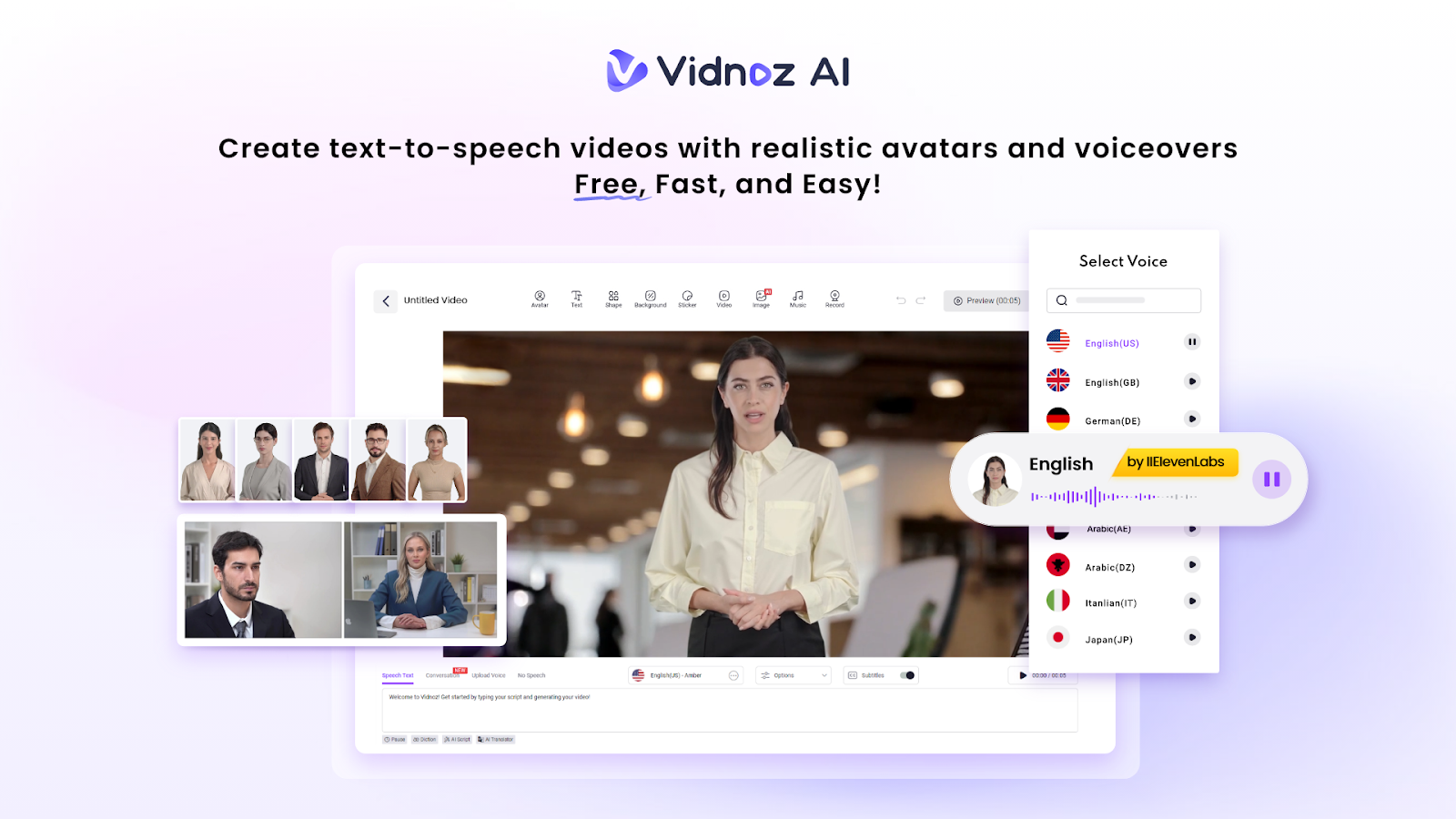

When you’re starting a YouTube channel, the first fear that usually hits is about making videos. Not the ideas, not the niche, not even the gear it’s the video creation itself. The time it takes, the editing, the voiceovers, and trying to make everything look polished enough to post. It feels heavier than most people expect.
That’s why an AI video content generator matters so much. And this is where Vidnoz AI steps in as an easy, practical solution for new and growing YouTubers. It’s a free AI-powered video creation platform, certified under ISO/IEC 27001:2022 for secure content handling. Moreover, it takes a lot of that early pressure off your shoulders.
So, let’s walk through to explore how to actually become a YouTuber using Vidnoz AI video generator, a way that feels manageable.
Why New YouTubers Should Not Overthink Things
There’s a moment when you hold a camera and wonder if your voice sounds weird. Everyone does it. But the truth is, YouTube favors those who show up. Not necessarily perfectly, just consistently.
And here’s where tools help, not because you’re lazy but because early momentum matters. If you have no editing skills (and honestly, most beginners don’t), something like Vidnoz AI can save time by generating studio-like videos without filming.
A Quick Look at What New YouTubers Actually Need
I wanted to keep this table simple but genuinely helpful, not one of those overly polished ones.
| What You Think You Need | What You Actually Need | Why It Matters |
| Expensive camera | Any halfway decent phone | Content > gear |
| Editing mastery | Simple editing or an AI video maker for YouTube | Cuts your stress down |
| Perfect on-camera look | Authentic presence | People connect with real |
| A long script | A clear point to make | Shorter keeps viewers watching |
| Hours to film | Smart tools like Vidnoz AI YouTube tool | Faster creation, fewer excuses |
This table is a reminder that starting isn’t as dramatic as it feels.
Where Vidnoz AI Helps Beginners Step Forward
So here’s the part where Vidnoz AI comes in naturally, not forced. The platform gives you space to create videos even before you feel ready for the camera.
Let’s unpack the key parts, because they matter more than people realize.
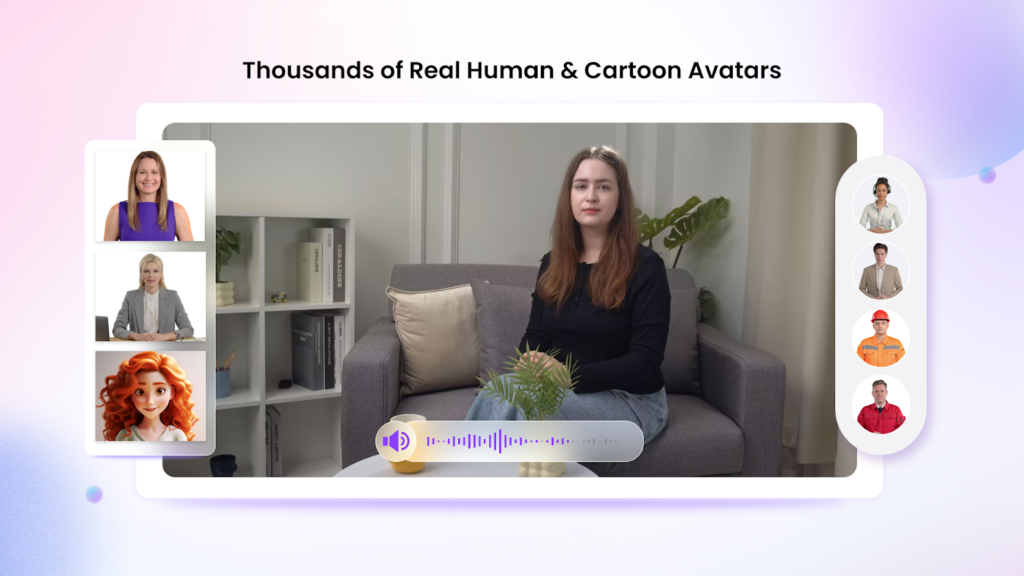
- 1700+ Lifelike Avatars
There really is a huge library of avatars from different industries. Business types, teachers, sales personas, and even customizable ones like a digital twin, motion avatar, or product avatar. Which means you can “appear” in your video without filming yourself. Honestly, a relief for camera-shy beginners.
- 1830+ Lip Sync AI Voices
This part is powered by ElevenLabs, Microsoft, and Google.
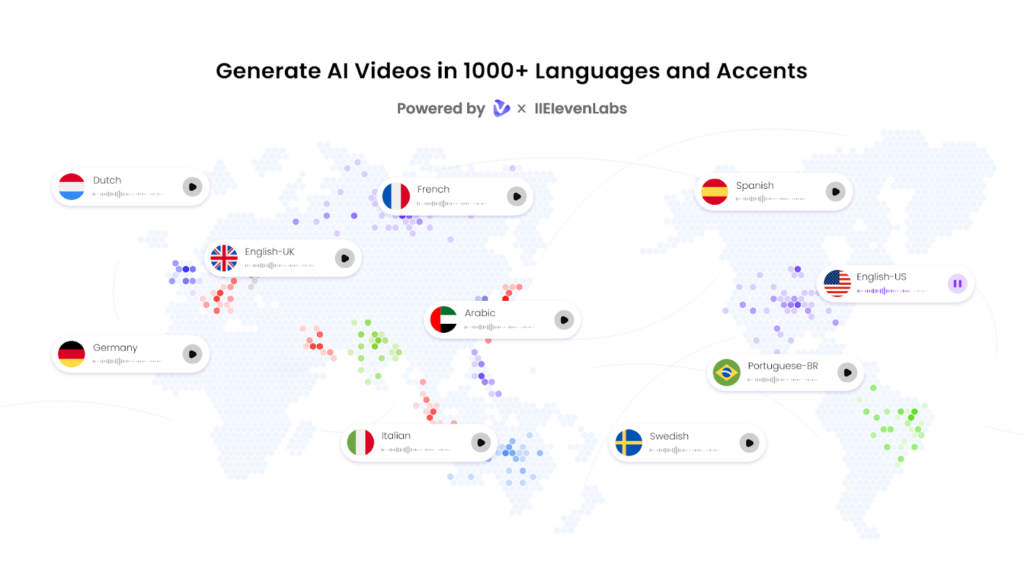
- Voices in 140+ languages
And the lip-syncing looks surprisingly natural. If you’ve ever struggled with recording voiceovers, this is one of those moments where you think, Why did nobody make this sooner?
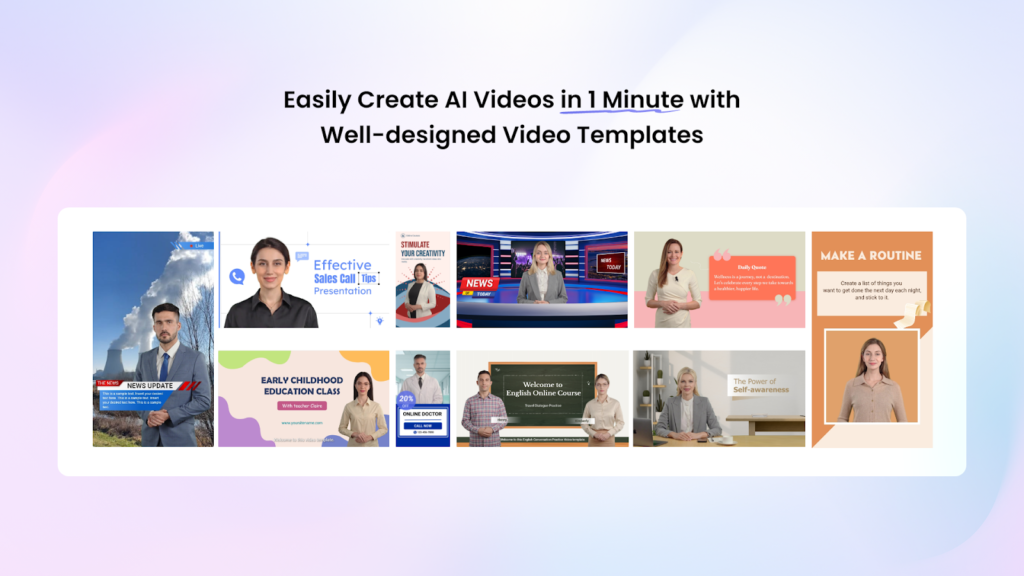
- 2800+ Pre-Designed Video Templates
Think of these as training wheels. Or shortcuts. Whatever sounds less negative. You choose a template that matches your niche, update your script, drop in visuals, and boom you have a professional layout without learning design.
- Free Daily Use
Two minutes of free AI video creation daily.
Not unlimited, but enough to try ideas, draft content, or create short explainer clips.
Practical YouTube Video Creation Tips (realistic ones)
Some advice online sounds like it was written by someone who never uploaded anything. So here’s what actually helps:
- Keep your first videos short. Viewers won’t commit to a stranger for 14 minutes.
- Talk to the camera like a person, not a presentation.
- Upload before you overthink. The first 5 videos are always a warm-up.
- Use tools when your energy is low. The AI video maker for YouTube keeps your schedule alive.
Small steps. That’s all.
How to Use Vidnoz AI to Create Your First YouTube Video
This is where the process feels easier than you expect.
Step 1: Choose a Template and Avatar
Pick something that roughly fits your idea. Don’t worry if you’re not certain you can change it.
Step 2: Create AI Voiceover
Select one of the 1830 voices. Test a few. Pick whatever sounds closest to how you want your message delivered.
Step 3: Add Custom Touch
Your script. A few images. Maybe a logo. Adjust pacing. Add subtitles if needed.
Step 4: Generate and Share
The system does the heavy lifting. Download it. Upload to YouTube. Share the link. That moment always feels more satisfying than expected.
FAQs About Becoming a YouTuber with Vidnoz
1. Can beginners really start using YouTube AI-made videos?
Absolutely. Many channels begin faceless. Using the Vidnoz AI YouTube tool is just a modern version of getting help with production. You still provide ideas; the tool handles the technical mess.
2. Will using avatars affect channel authenticity?
Not if your content is good. Some educational and explainer channels rely entirely on avatars. Viewers care more about clarity than whether your face is there.
3. Is Vidnoz AI safe for uploading scripts or brand material?
Yes. It’s certified with ISO/IEC 27001:2022. It means that the platform’s security standards are strict. Your content stays protected.
Key Takeaways
Starting as a YouTuber usually feels harder in your head than in reality. Once you get that first video live, the rest moves faster. And with tools like Vidnoz AI, you don’t even need to wait for the perfect setup or long editing sessions. You can simply create, refine, and keep going until your confidence builds.
If anything, think of Vidnoz as the starter engine that gets your channel moving before you slow yourself down with hesitation. So go ahead, experiment a little.
Try crafting your first piece using Vidnoz AI and see how quickly it removes the excuses. Your channel won’t grow until you take the first step.
