

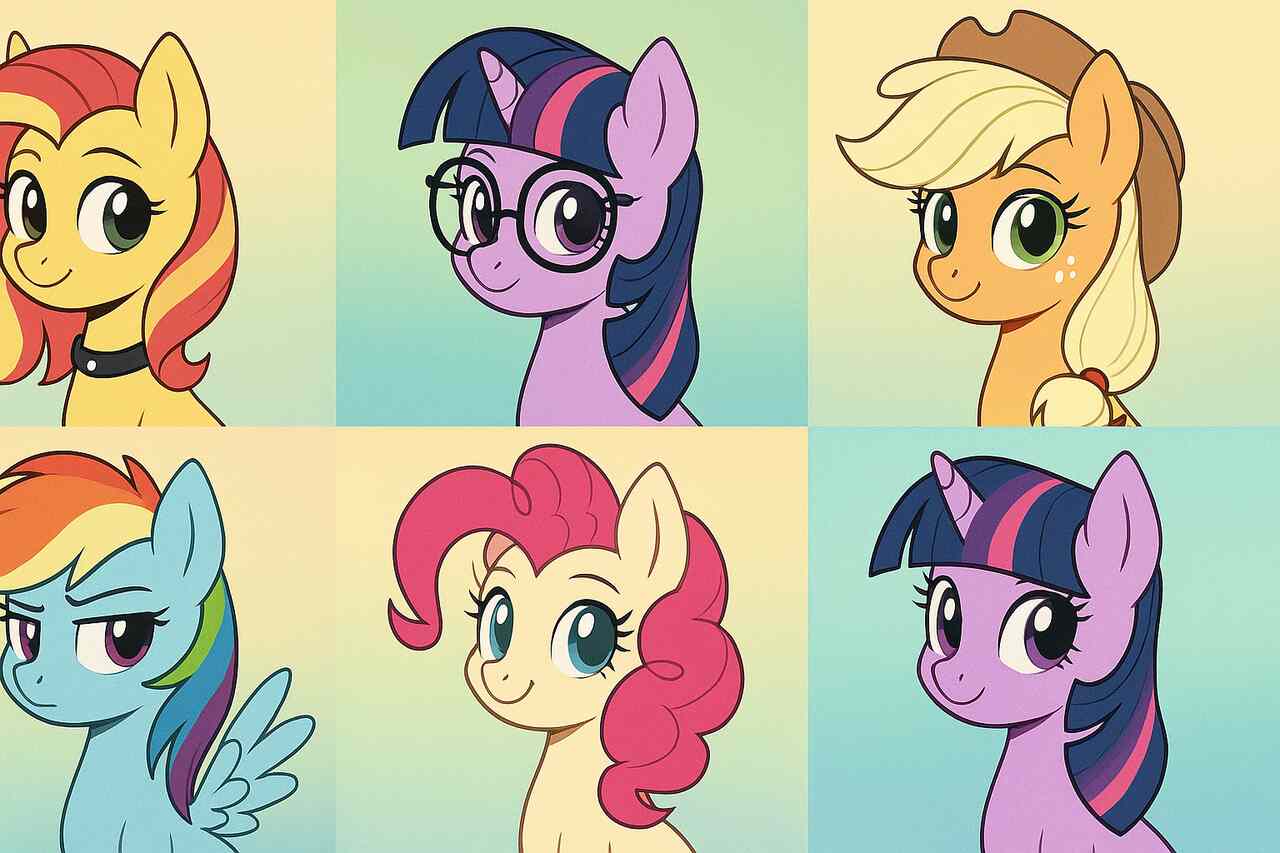

MLP Picrew serves as a creative platform that allows fans of My Little Pony to design and express their own original pony characters (OCs) using a highly visual and customizable interface. With its drag-and-drop editor powered by the Picrew avatar engine, MLP Picrew caters to both casual fans and dedicated OC creators. Its popularity is rooted in the My Little Pony (MLP) fandom’s passion for individuality, roleplay, and community-driven storytelling. This article will explore the mechanics of MLP Picrew, show how to build a unique pony OC, provide a curated list of top creators, review sharing and licensing rights, and break down customization trends that dominate user designs.
What is MLP Picrew and how does it work?
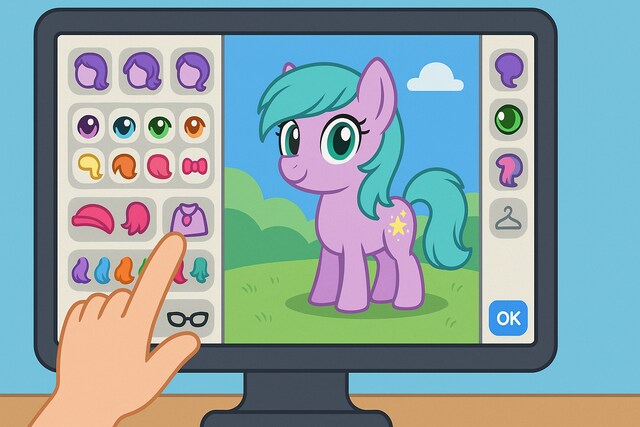
MLP Picrew is a fan-made character creator built on the Picrew platform that enables users to craft customized pony avatars inspired by the My Little Pony franchise. Users can visually select traits such as body shape, manes, tails, eyes, wings, and accessories to represent their own characters (OCs), or mimic characters from the show.
How does the Picrew engine enable avatar creation?
The Picrew engine allows creators to upload layered PNG assets and define positioning rules, enabling users to switch between hairstyles, facial expressions, horns, wings, and more in real-time. Each trait is a separate image layer that stacks seamlessly. The backend supports options logic, rarity levels, and asset grouping.
Are there official vs fan-made MLP Picrew tools?
MLP Picrew generators are exclusively fan-made. Picrew.jp, the main host, does not offer official licensed generators for MLP. Fan creators manually illustrate and upload pony elements, often inspired by Hasbro’s Friendship is Magic art style. These fan-made versions often label themselves as “Pony Creator,” “MLP Maker,” or “Equine Generator.”
How can I create a unique MLP pony OC on Picrew?
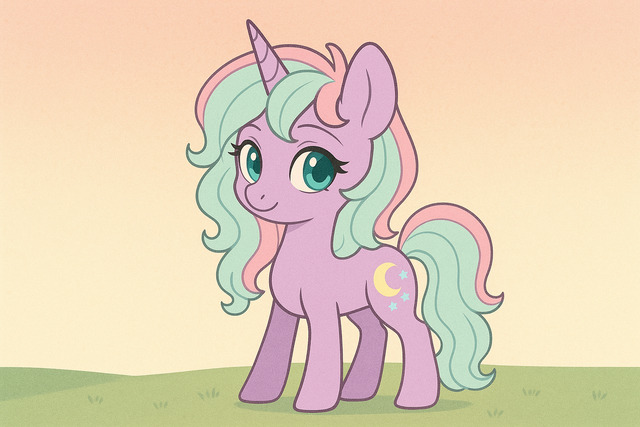
To design an original character (OC), users select a Picrew creator that supports pony traits and customize the avatar by layering features. The user interface includes drop-down categories and visual previews to streamline the process.
What are the steps to pick mane, body, cutie mark, wings, etc.?
Character creation follows a sequential process:
- Base Body Type: Select from standard quadruped forms, alicorn bases, or chibi-styled ponies.
- Manes and Tails: Choose from flowing, spiky, braided, or short-cropped manes to define personality.
- Wings and Horns: Add unicorn horns or Pegasus wings for Alicorn, Pegasus, or Unicorn identities.
- Eyes and Expression: Customize iris shape, eye color, and facial emotion to express temperament.
- Cutie Marks: Choose from a set of pre-drawn marks or opt for a blank flank to define your character’s talent.
How to add personal flair—colors, accessories, expressions
Creators add uniqueness by using:
- Color Sliders: Many generators allow hue adjustments for body, mane, and eye colors.
- Accessories: Scarves, glasses, jewelry, headphones, and clothing define individuality.
- Emotes: Facial expressions like smirks, blushes, or eye sparkles add character depth.
- Backgrounds: Users can select colored gradients or custom scenes to match the pony’s lore.
Where can I find the best MLP Picrew creators?
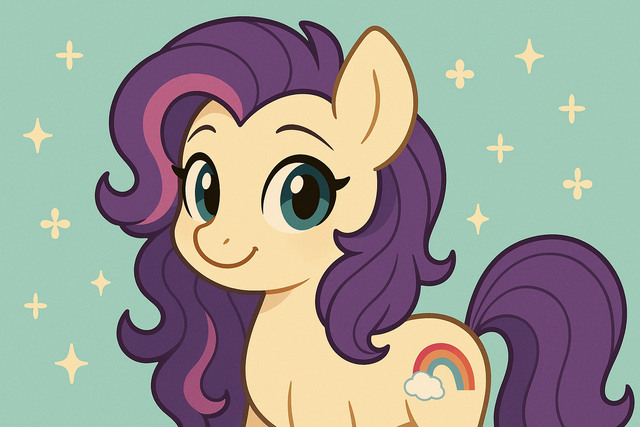
MLP Picrew creators vary in quality and feature sets. The most successful ones are indexed by fan forums, Picrew tags, and art communities like DeviantArt or Reddit.
How to search within Picrew by keywords like “MLP” or “pony maker”
To find pony creators:
- Visit Picrew me
- Use Japanese or English keywords such as:
- “pony”
- “MLP”
- “ポニー” (Pony in Japanese)
- “My Little Pony”
- “OC maker”
- “horse avatar”
- Filter results by date or popularity
Which tags or creators are must-try (e.g., “Perfect Pony Maker,” “My Little Pony Creator”)
Top-rated MLP Picrews include:
| Creator Name | Tag | Notable Features |
| Perfect Pony Maker | #pony #MLP | Alicorn support, wide accessory range, color sliders |
| My Little Pony Creator | #mylittlepony | Mane 6 styles, large cutie mark library, chibi proportions |
| Pastel Pony OC Generator | #pastel #pony | Gradient palettes, kawaii expressions |
| MLP: FiM Styled Generator | #fim #ponycreator | Show-accurate eye and mane options |
Fan forums such as MLPForums, Reddit’s r/MLPdrawings, and DeviantArt feature creator links, tutorials, and OC showcases.
Can I use MLP Picrew art commercially or share it online?
Users frequently ask about permissions when using Picrew-generated art for social media profiles, merchandise, or derivative works. Each Picrew creator sets their own terms.
Can you use the generated images on social media or blogs?
Yes, most MLP Picrew creators allow sharing on:
- Social media: Twitter, Tumblr, Instagram
- Fan profiles: Roleplay sites, DeviantArt galleries
- Blogs: Personal blogs with attribution
As a rule, attribution is mandatory—include the Picrew link and creator handle when posting online.
License terms: personal use only vs derivative works allowed
Licensing types vary:
| License Type | Allowed Uses | Restrictions |
| Personal Use Only | Profile pics, OC sheets, private roleplay avatars | No merchandise or edits |
| Derivative Works Allowed | Minor edits, recolors, meme formats | No redistribution without permission |
| Commercial Use Allowed | Very rare – usually not permitted | Must request explicit permission |
Users must read each creator’s license note (displayed before generating). Violating terms can lead to takedown requests.
What customization options are most popular among users?
The MLP fandom celebrates identity and emotion through avatar design. Specific traits consistently dominate in user-created pony OCs.
What traits (wings, unicorn horns, cutie marks) dominate popularity?
Key trends include:
- Unicorn Horns: Associated with intelligence and magic roles
- Pegasus Wings: Chosen for agility, adventurous backstories
- Hybrid Alicorns: Popular among fantasy and godlike OC lore
- Unique Cutie Marks: Music notes, stars, or abstract symbols represent talents and values
How are users personalizing color palettes and accessories?
Color schemes commonly follow aesthetic trends like:
- Pastel gradients: Soft and dreamy designs
- Goth tones: Dark purple, black, neon blue contrast
- Elemental palettes: Fire-themed reds or icy blues
Accessories such as capes, headphones, and leg bands often represent OC stories. Some creators use visual metaphors—e.g., bandages or tears to express trauma or growth.
Post-Customization Guide: How to Export, Use, and Share Your Pony OC
After customizing your Pony OC (Original Character), exporting, using, and sharing it involves a few essential steps. Export the final design in a high-resolution image format (like PNG or JPEG) from your editor or creator platform. Use the exported file for roleplaying, fan art, social media posts, or integrating into digital projects such as games or animations. When sharing, always include character details, personality traits, and any backstory to engage the audience meaningfully. Platforms like DeviantArt, Toyhouse, or Discord communities offer ideal spaces for showcasing your OC and connecting with other creators.
How to share responsibly:
- Always include creator credits
- Link back to the original Picrew URL
- Avoid editing images unless licensed for derivative works
- Never sell OC merchandise made from Picrew images unless explicitly allowed
Conclusion
MLP Picrew offers a vibrant ecosystem for character expression, deeply embedded within the My Little Pony fan community. Through customizable visual elements like cutie marks, wings, and color themes, users can reflect their personalities, stories, and dreams in equine form. By choosing the right creators, respecting licenses, and exploring popular design elements, fans can produce pony avatars that resonate both visually and emotionally. As fan art tools evolve, MLP Picrew remains a cornerstone of OC creation, storytelling, and digital identity within creative fandom spaces. For more informative articles related to Picrew Guides you can visit Picrew Guides Category of our Blog.
Picrew is a Japanese avatar generator engine. MLP Picrews are fan-made and not officially affiliated with Hasbro.
Visit Picrew me, search “MLP” or “pony,” select a creator, and begin customizing your character using visual options for mane, tail, body, and more.
You can use avatars on social media with credit. Commercial use (merchandise, paid content) requires the creator’s permission.
Most MLP Picrews offer layers for wings, horns, and pre-made cutie marks. Some also allow blank cutie marks for DIY designs.
Use Picrew’s search with terms like “Perfect Pony Maker” or explore Reddit’s MLP and OC communities for curated links.
Yes. Most creators restrict modification. Check each creator’s licensing terms before editing or redistributing content.
Trends include pastel aesthetics, fantasy accessories, and story-driven color palettes. Alicorns and unique cutie marks are highly popular.
Include the link to the Picrew used and mention the creator’s handle (usually listed in the tool’s credits) in captions or bios.
